
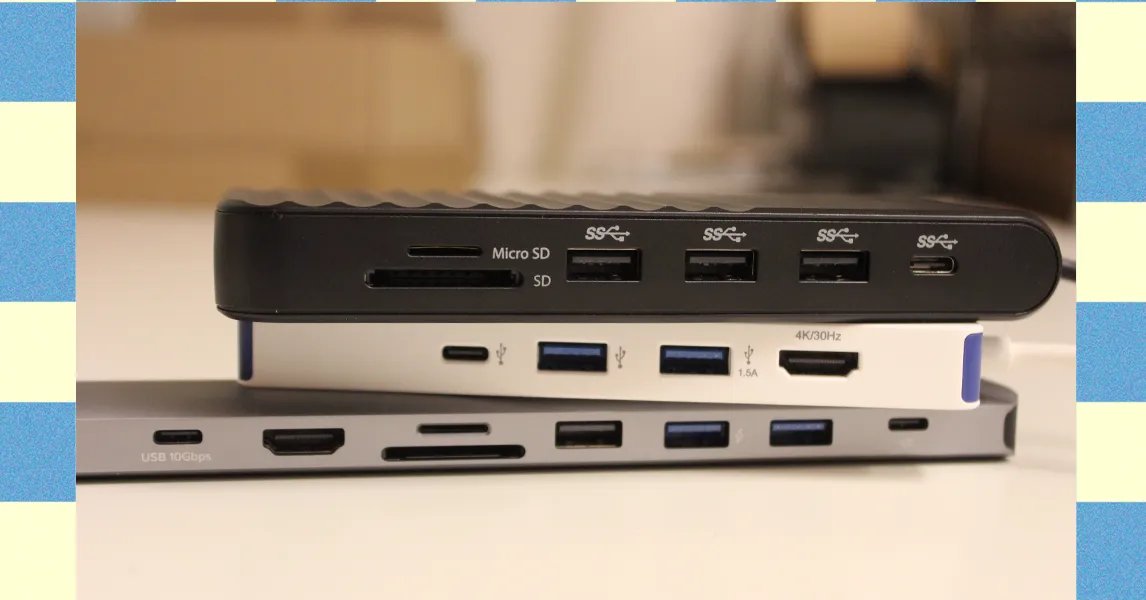
Discover top USB hubs for faster transfers and seamless multi-device connections in 2026

: Finding the right USB hub can make your computer life much easier. There are many good choices out there, each with different features for different needs.
Here are five USB hubs that can help you connect more devices faster. These hubs let you plug in more things like cameras, hard drives, and monitors all at once.
The Ugreen Revodok Pro 211 costs $64 and works well for moving big video files quickly. It has three ports that can move data very fast – up to 900 megabytes per second. This means you can transfer large 4K videos in just a few minutes. The only problem is that on Mac computers, you can only mirror what’s on your screen, not have two different screens.
For Mac users who need dual monitors, the Hyper HyperDrive Next costs $150. This one lets you use two 4K monitors at the same time, which is great for getting work done. But one screen will only work at 30 frames per second while the other runs at 60. If you want both at 60 frames, you’ll need to lower the quality to 1080p or 1440p on one.
The Anker USB-C Hub 5-in-1 is small and costs only $20. I carry this one in my camera bag because it’s perfect for getting photos and videos off my camera. The ports can move data at 400 megabytes per second, which is fast enough for most tasks like copying files. The SD card slot is also good for reading and writing memory cards, though not the absolute fastest available.
The Kensington Triple Video Mobile Dock costs $83 and can power up to three screens at once. That’s pretty amazing because most docks can only handle one or two. It has two HDMI ports and one DisplayPort, so you can have three different things showing on your screens. It’s small but made of basic plastic instead of metal.
When choosing a USB hub, think about what you need. Do you want to connect more things? Move files faster? Use multiple screens? Each hub does different things well, so pick the one that matches what matters most to you.